Your phone holds your email, messengers, bank apps and the codes that protect them, which makes it the most valuable thing an attacker can infect. Most phone malware does not exploit clever bugs: it is installed by the owner, disguised as something useful.
How malicious apps get onto phones
- Apps from links instead of the store: "bank security updates", parcel tracking, "premium" versions of paid apps, video players for a message you received.
- Fake apps in official stores: flashlight, PDF, cleaner and wallpaper apps that sign you up for paid subscriptions or show endless ads.
- Browser extensions and search tools that hijack your searches and read the pages you visit.
- Targeted ads that lead to a fake download page.
Red flags before you install
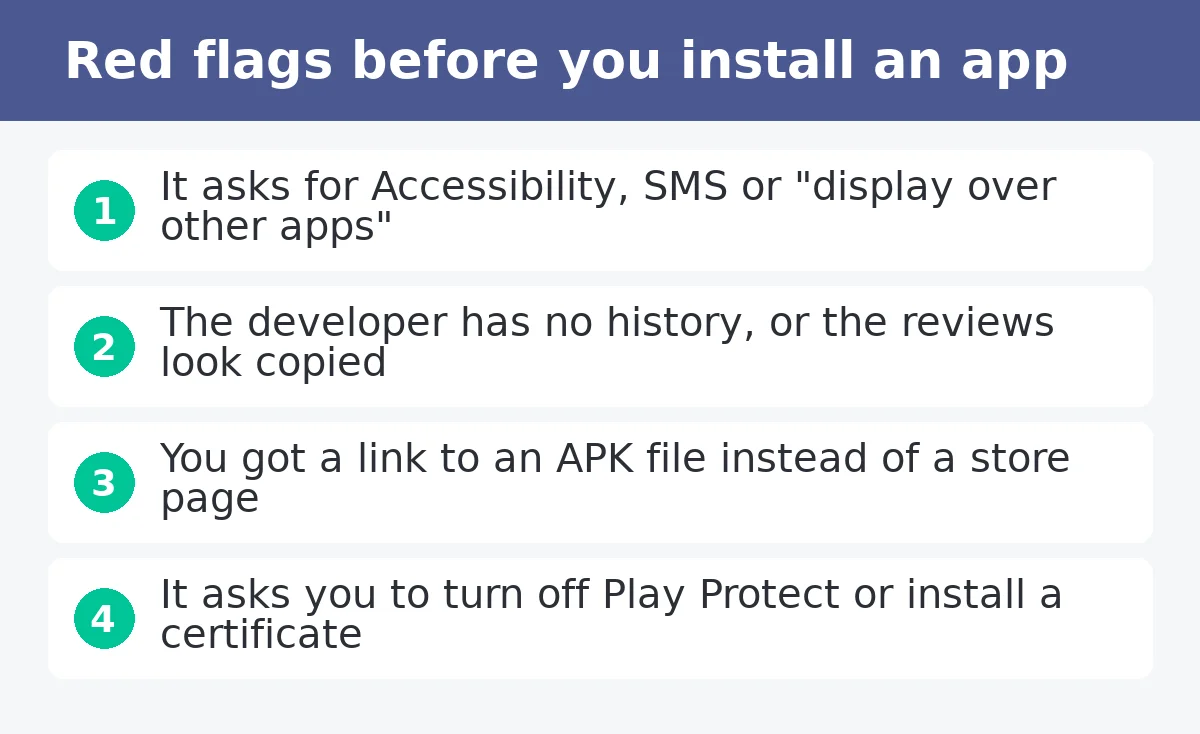
- The app asks for Accessibility, SMS or "display over other apps" permissions it does not need. On Android these let malware read your screen and codes.
- The developer has no other apps, few reviews, or the reviews look copied.
- You were sent a link to an APK file instead of a store page.
- The app needs you to turn off Play Protect or install a "certificate".
Signs your phone may be infected
- Battery and data usage jump without a reason.
- Ads appear outside apps, or your browser opens pages by itself.
- Unknown charges on your phone bill or card.
- SMS codes you did not request, or messages sent from your accounts.
How to clean it up
- Put the phone in airplane mode and uninstall apps you do not recognise or installed recently. If an app cannot be removed, check Device admin apps (Android) or Profiles (iPhone) and revoke it there first.
- Run Play Protect or a reputable mobile security app.
- From another device, change the passwords of your email, bank and messengers, and sign out other sessions.
- Call your bank if a banking app was open on the phone, and ask your carrier to block premium SMS charges.
- If problems continue, back up photos and contacts only, and reset the phone to factory settings.
Habits that keep it clean
- Install apps only from Google Play or the App Store, and check the developer's name.
- Keep the system and apps updated; turn on automatic updates.
- Give each app the fewest permissions it needs, and review them every few months.
- Be careful with apps that want your email just to unlock a feature. For a game, filter or utility you are only trying out, sign up with a temp mail address; if the app later turns out to be junk, it never had your real inbox.
Short version: install from official stores, refuse odd permissions, update often, and keep your main email for apps you trust.
 English
 Русский
 Español
 Eesti keel
 Deutsch
 Italiano
 한국인
 Türkçe
 日本
 Português
 Bahasa
 Polski
 Українська
 (اللغة العربية)
 Češka
 Български
 Svenska
 Tiếng Việt
 ελληνικά
 แบบไทย
 Français
 Dutch