AI assistants are now built into messengers, browsers, phones and even toys. They are useful, but everything you type or say may be stored, reviewed or used for training, and assistants that act on your behalf can be tricked by what they read. At the same time, fake "AI tool" sites and deepfakes have become a common way to scam people.
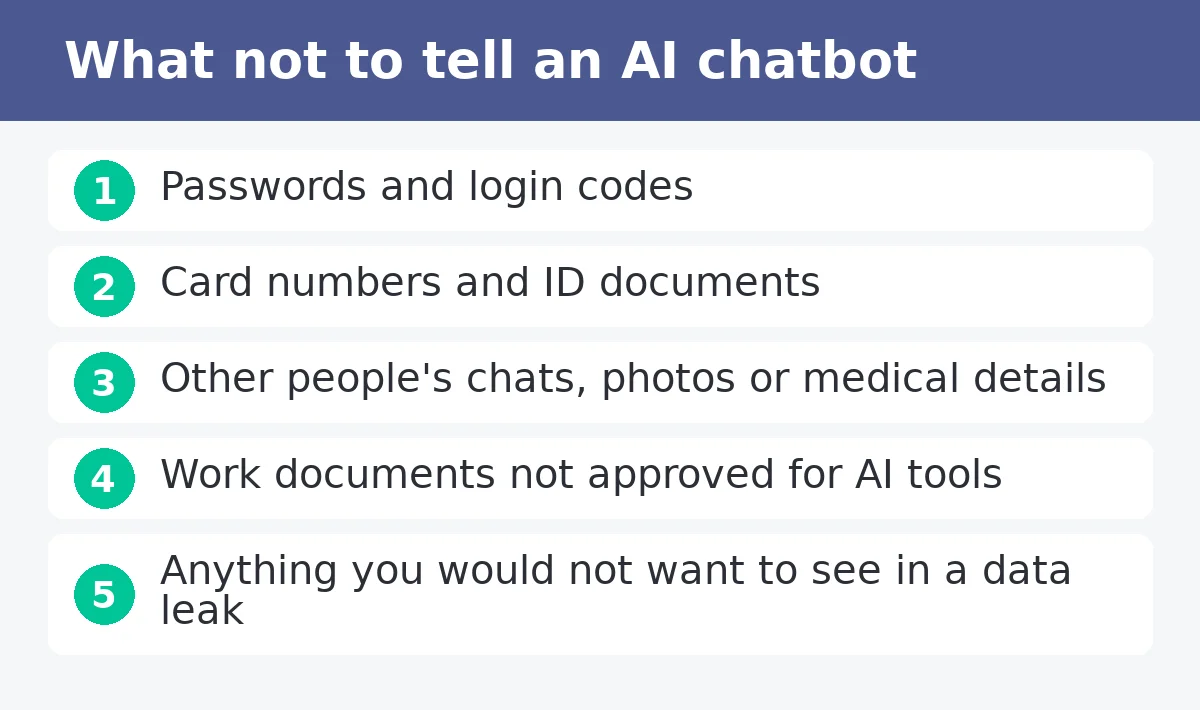
What not to tell a chatbot
- Passwords, login codes, card numbers and ID documents.
- Other people's private data: chats, photos, medical details.
- Work documents your employer has not approved for AI tools.
- Anything you would not want to see in a data breach: chat histories leak like any other database.
Settings worth checking
- Chat history and training. Most assistants let you turn off history or opt out of training. Check this once per service.
- Shared links. A "share chat" link is usually public to anyone who has it. Delete links you no longer need.
- Connected accounts and memory. Assistants that can read your email, calendar or files should get the minimum access. Review what they remember about you.
- Voice and camera access on phones and smart devices: turn them off for apps that do not need them.
Fake AI tools
Search ads and lookalike sites for popular AI apps are used to spread malware that steals passwords. Download AI apps only from the official site or your phone's app store, and be suspicious of "free premium" versions and browser extensions that promise AI features.
Deepfakes: voices, faces and fake calls
A few seconds of audio from a video is enough to clone a voice. Scammers use this for "family emergency" calls and fake requests from a boss. Agree on a code word with close family, call back on a number you already know, and never move money because of a voice message alone. If someone creates fake intimate images of you, report them to the platform (most have a dedicated form), save evidence and contact the police; you do not have to deal with it alone.
Sign up for AI tools without exposing your inbox
New AI apps appear every week, and many ask for an email before you can try them. For tools you are only testing, use a temp mail address: you get the confirmation code, and if the app turns out to be careless with data, your real address and the history tied to it are not part of it. Keep your main email for the one or two assistants you actually rely on.
Short version: keep secrets out of chats, check history and sharing settings, download AI apps only from official sources, and verify voices and videos before you act on them.
 English
 Русский
 Español
 Eesti keel
 Deutsch
 Italiano
 한국인
 Türkçe
 日本
 Português
 Bahasa
 Polski
 Українська
 (اللغة العربية)
 Češka
 Български
 Svenska
 Tiếng Việt
 ελληνικά
 แบบไทย
 Français
 Dutch